


All-in-One Smart cloud storage and File sharing
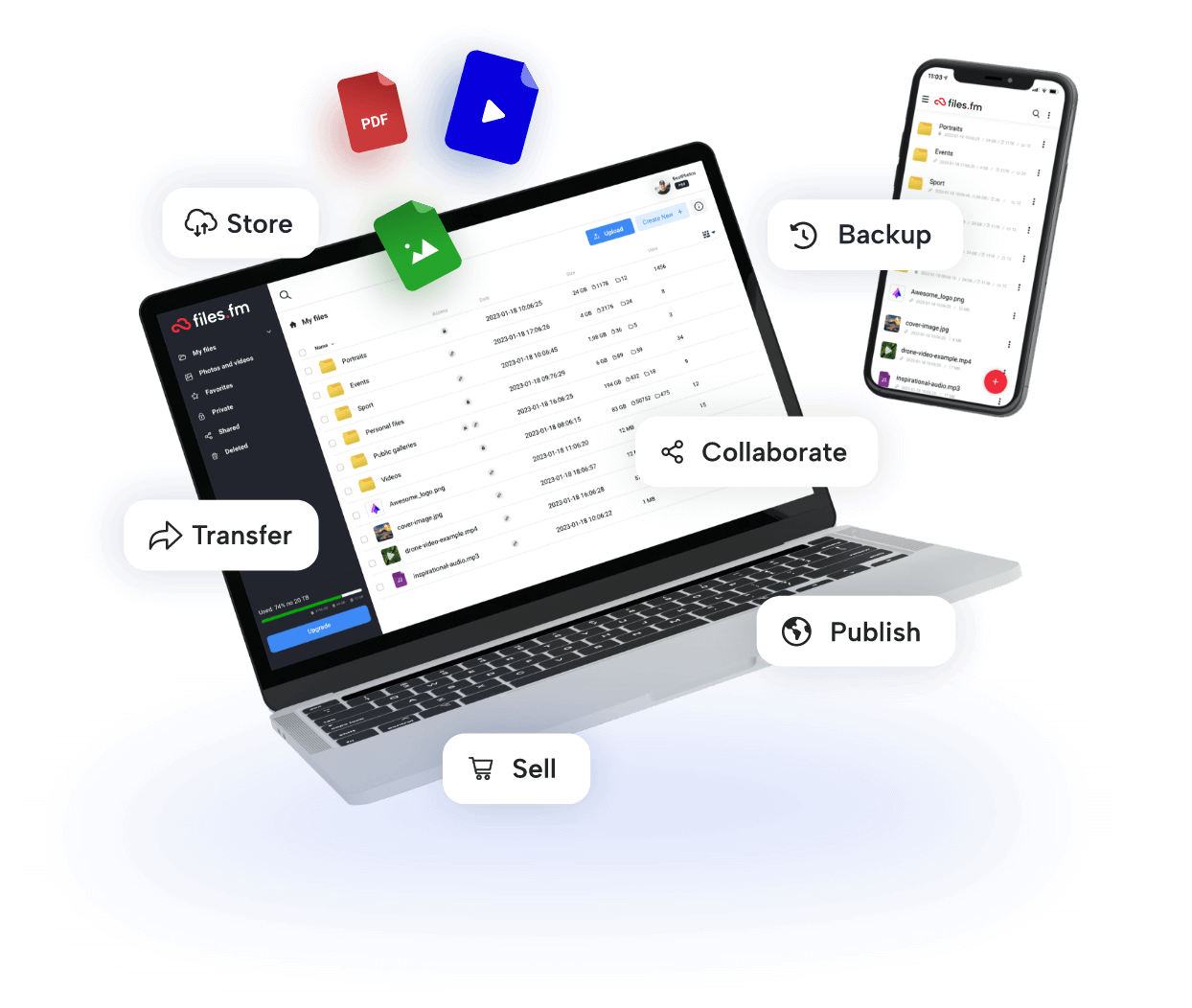
Store, share, organize or even monetize photos, videos, audio and documents.
Use Files.fm on any device and install apps
 Windows Sync 2025
  Android
  iOS
iOS  Linux Desktop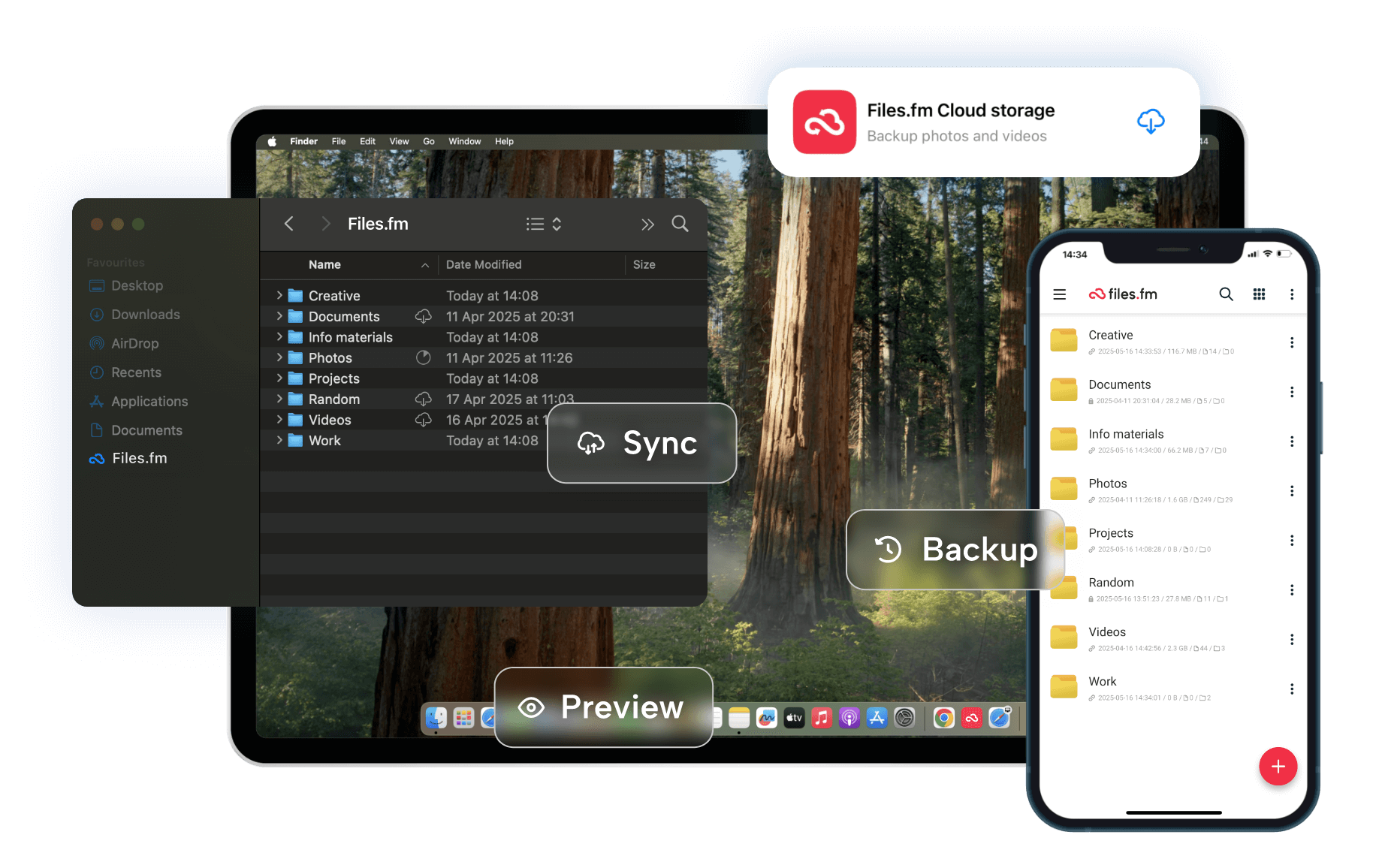
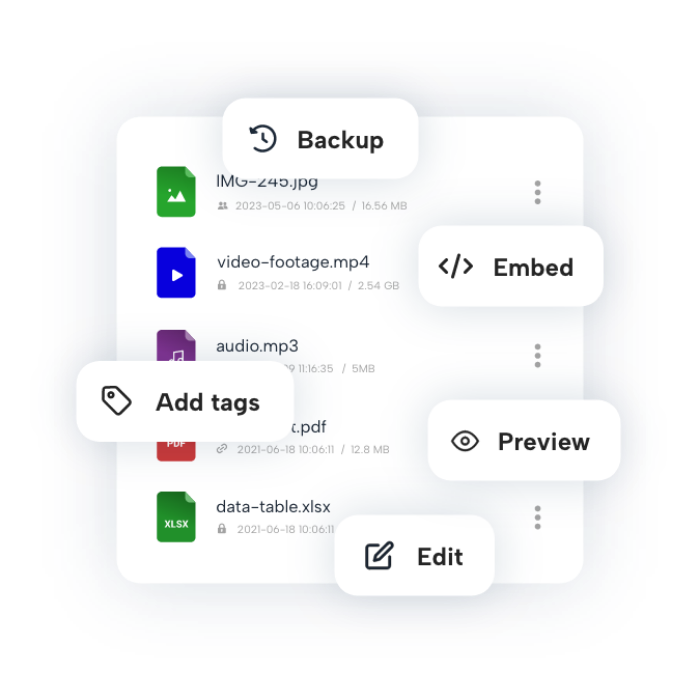
Everything you need to manage your team files
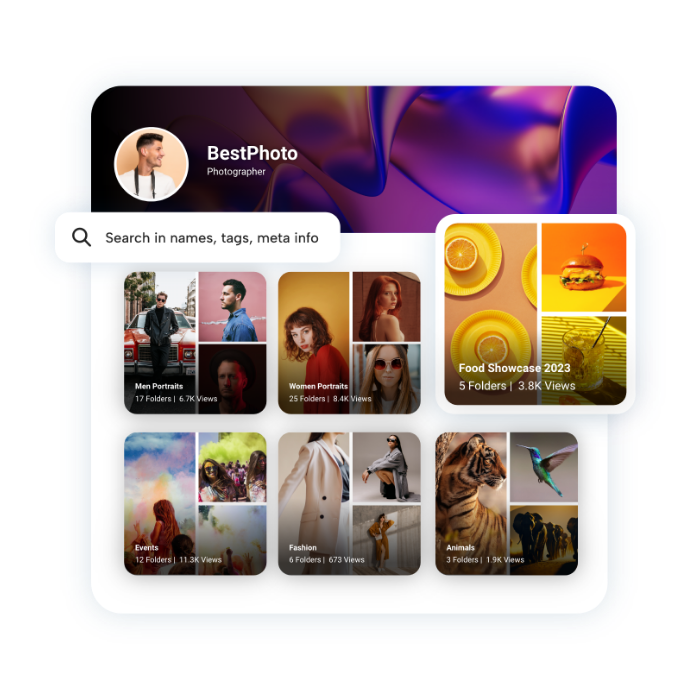


The privacy and protection of your data is our priority



















Flexible Pricing
Adjustable pricing per storage and user — scale as your team grows!
1TB
Starting from
10
$/month
Add storage space as you need
TEAM user
One user
5
$/month
Multi-user management
Deleted file recovery
E-signing and sharing
BUSINESS user
One user
10
$/month
File versioning
E-signing and approval process
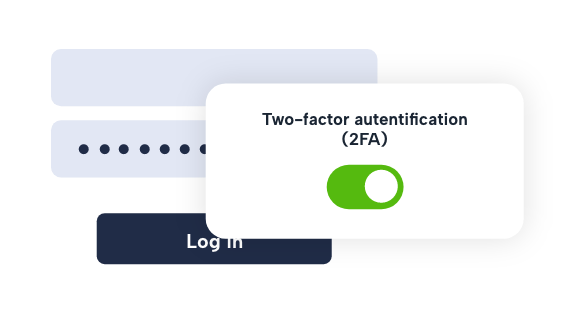
2FA and advanced security controls
All prices are without VAT
The security and privacy of your data is our priority
FAQ
Files.fm is an EU-based cloud storage, secure file sharing, and content-collaboration platform for individuals, professionals, teams, and organizations.
- Individuals can store personal files, create backups, and share large files.
- Professionals such as photographers, designers, and videographers can deliver large media files to clients and collaborators.
- Businesses can organize documents, collaborate with teams, manage access permissions, and share content with customers or partners.
- Educational institutions, associations, and sports organizations can manage and publish digital materials.
Files.fm supports both simple file transfers and ongoing business workflows.
Files and folders are not automatically published. You can manage access rights for files and folders, share private links, and use password protection where applicable. Business users can also use permission-based access controls to manage collaboration more precisely.
Uploaded files are stored on Files.fm cloud servers and can be managed from your account. Files and folders receive unique links that you can share when needed. Depending on the workflow, you can adjust access rights, use password protection, and organize content in folders for clients, colleagues, or partners.
You can upload, store, and share documents, photos, videos, audio files, archives, and other common file types. Files.fm preserves original files and relevant metadata. Upload size limits and available features depend on your Basic, PRO, or Business plan. See the storage plans for details.
To request review or removal of published content, submit the required details through the content review page. Please include the relevant links, your contact information, and the legal basis for the request.
Files.fm accepts Visa and Mastercard payments. Bank transfers are available for Business invoices where applicable. Card payments are processed by secure payment service providers; Files.fm does not store your full payment card details.
Files.fm applies layered security measures, including encrypted HTTPS/TLS connections, access controls, infrastructure monitoring, logging, server hardening, backup and recovery practices, and vulnerability handling processes. Files.fm maintains cybersecurity and information security measures aligned with NIS2 requirements. Learn more on the NIS2 compliance page. For additional protection, customers can also maintain their own backup or synchronized copies where appropriate.
Registered users receive storage according to their account plan. Storage capacity can be increased by subscribing to a PRO or Business plan. Files uploaded by unregistered users, or files exceeding the available account storage, may be available for up to 60 days after upload depending on the selected deletion period.
If you enter your email address during upload, Files.fm sends an edit and delete link to that address. Registered users can manage files from the "My Files" section. If you uploaded files before signing in, you may be able to attach uploads from the same device to your account immediately after logging in.
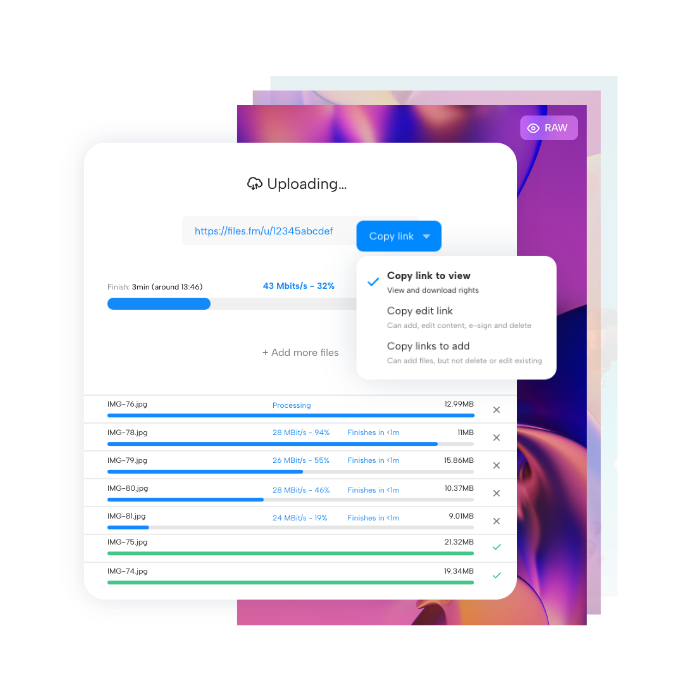
Yes. After you press the "Save files" button, Files.fm shows the access link immediately, so you can share it while the upload continues. For registered users, the new upload also appears in the "My Files" section as a folder. Access rights can be adjusted according to your sharing needs.
Refund eligibility depends on the purchased service, the applicable terms, and legal requirements. Some services are provisioned immediately after payment, such as reserved storage capacity, paid features, digital content access, or third-party services. Review the service terms before purchase. For a billing issue or refund request, please use the contact form and include the relevant payment details.
You can increase the storage available in your account by subscribing to additional storage capacity. For larger team, business, or custom storage requirements, use the contact form to discuss the appropriate setup.
 Files.fm — EU-based cloud storage